CLEMENCE KOTOKU
META ADS STRATEGIST
━━ THE META BUSINESS PORTFOLIO GUIDE

Set up Meta properly before Meta flags your account.

Learn how to correctly set up your Meta Business Portfolio, Pixel, domain verification, CAPI and ad account step-by-step without triggering avoidable restrictions, broken tracking, or expensive setup mistakes.

Get the guide →
Beginner-friendly · Lifetime access · Instant delivery
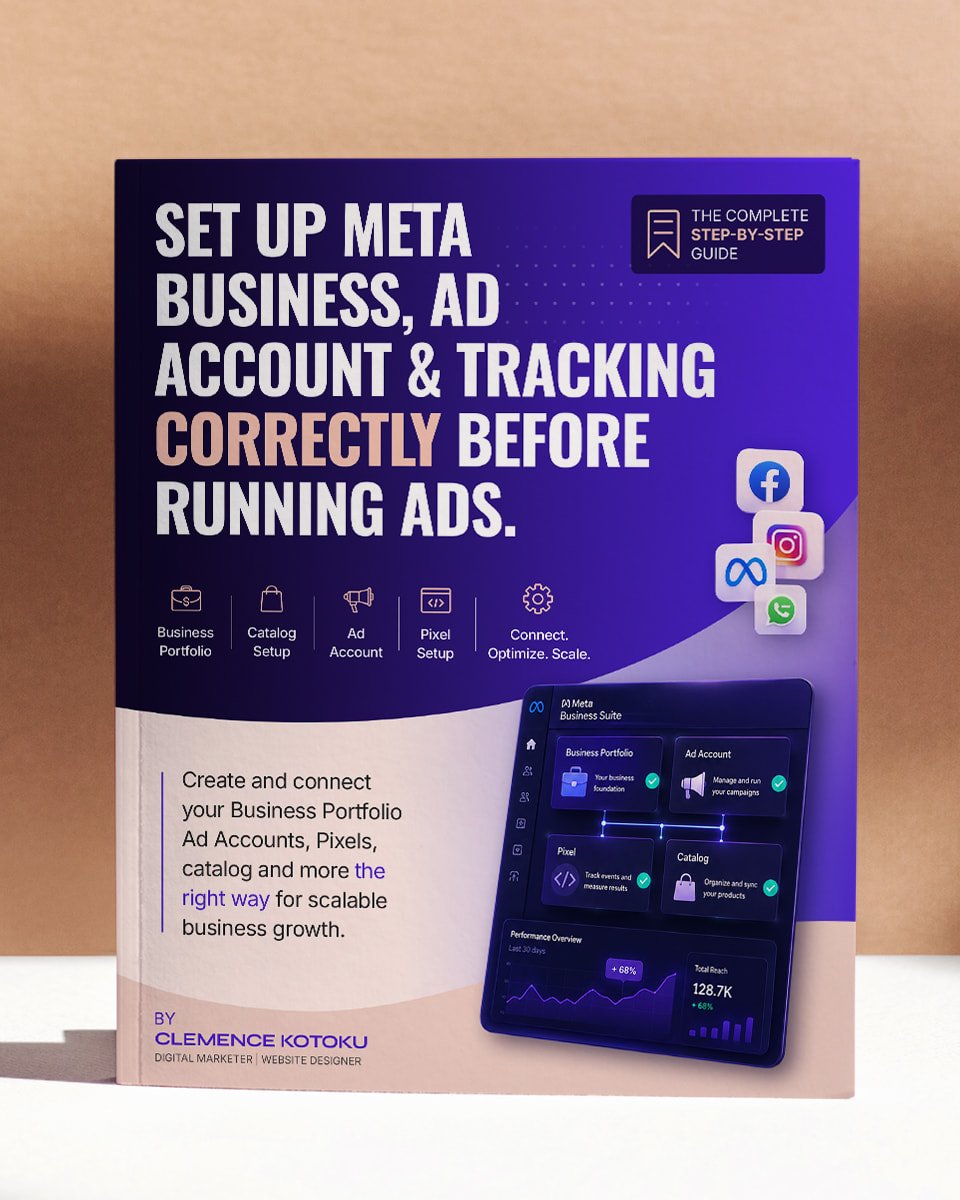
Meta Business Portfolio Setup Guide ebook cover
13

Most businesses don't realize they set up Meta incorrectly until something breaks. The Pixel stops tracking, the domain won't verify, or the ad account gets restricted.

Meta's setup process is unnecessarily technical, especially for beginners. One wrong setup decision can create problems that are difficult or impossible to reverse later.

This guide helps you avoid those mistakes before they cost you money.

━━ WHAT YOU GET

A complete Meta setup system for beginners.

Everything is explained step-by-step with screenshots, walkthrough videos, troubleshooting fixes and real setup guidance so you can build your Meta Business setup correctly from day one.

13
Step-by-step setup
Built for complete beginners
Visual walkthroughs
Follow along while setting up
Restriction prevention
Avoid common Meta setup mistakes
Lifetime updates
When Meta changes its interface
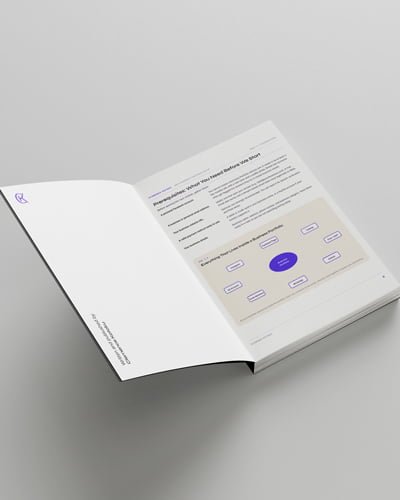
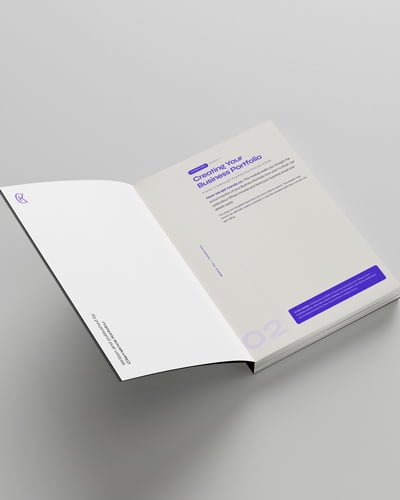
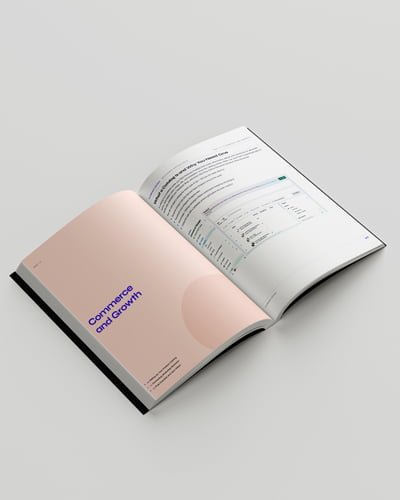
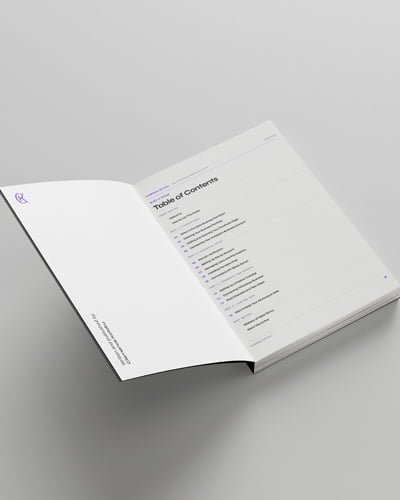
━━ A LOOK INSIDE

Built to help you set things up correctly.

Every page is designed to reduce confusion while you set up your Business Portfolio, Pixel, CAPI and tracking.
━━ THE FULL BREAKDOWN

Inside the 13 modules.

Structured so you avoid beginner mistakes first, then build a proper Meta setup foundation step-by-step.

01
PART ONE
Foundations
Module 1 Introduction
What Meta Business Portfolio is, why every business needs one, and what you'll have set up by the end.
Module 2 Creating the Business Portfolio ▶ Video
Setting up your portfolio, dashboard overview, and the alternate creation method when the main one fails.
Module 3 Adding & claiming your Facebook Page ▶ Video
New page vs claiming an existing one, plus what to do when the page is already claimed by someone else.
Module 4 Connecting Instagram Business Account ▶ Video
Two methods, plus fixes for the most common connection errors.
02
PART TWO
Technical setup
Module 5 Domain verification ▶ Video
DNS, HTML meta tag, and file upload methods, plus what to do when verification won't confirm.
Module 6 Setting up the ad account ▶ Video
Naming, time zone, currency selection (the one you cannot change later), billing setup, and avoiding common ad account setup mistakes.
Module 7 Managing users & permissions
Admin vs Employee roles explained properly, plus how to add agencies and team members at the right level.
Module 8 Installing the Meta Pixel ▶ Video
Install your Pixel correctly on WordPress, Shopify or Wix and verify that your tracking actually works.
Module 9 Conversions API basic setup ▶ Video
Official Meta plugin, PixelYourSite, Shopify integration, plus event deduplication so your data isn't doubled.
03
PART THREE
Commerce and growth
Module 10 Setting up a product catalog ▶ Video
Manual entry, data feeds, platform sync, and what to do when your catalog gets rejected.
Module 11 Connecting WhatsApp Business ▶ Video
Adding and verifying your number, plus an intro to click-to-WhatsApp ad use cases.
Module 12 Final checklist & next steps
Your complete setup checklist, what to do next, and a glossary of every Meta term used.
04
PART FOUR  ·  BONUS
Staying safe
Module 13 How to avoid Meta ad account restrictions
Learn the most common reasons Meta restricts ad accounts and how to avoid them before they become expensive problems.
━━ THIS IS FOR YOU IF...

You see yourself here.

  • ✓  Starting from scratch and Meta Business Suite feels overwhelming
  • ✓  You want to avoid Meta restrictions before running ads
  • ✓  Your Pixel, domain verification or tracking setup keeps failing
  • ✓  You want a proper Meta setup foundation before spending on ads
  • ✓  You learn faster from screenshots and walkthroughs than Meta documentation
━━ THIS IS NOT FOR YOU IF...

Skip it if...

  • ✗  You already have a fully working Meta setup with no tracking issues
  • ✗  You only want advanced ad scaling strategies
  • ✗  You prefer hiring someone else to do the setup for you
━━ WHO'S BEHIND THIS

Hi, I'm Clemence Kotoku.

I'm a Digital Marketer & Website Designer. I've spent years setting up Meta Business Portfolios for clients across industries.

After seeing the same setup mistakes repeatedly across client accounts, I decided to document the exact process properly. This guide is the result.

━━ GET THE GUIDE

Avoid costly Meta setup mistakes.

Everything you need to properly set up Meta Business, Pixel, CAPI and tracking in one beginner-friendly guide.

Save 63% · Limited time
₵399
₵149
One-time payment · Lifetime access
✓  Step-by-step Meta Business setup
✓  Pixel + CAPI installation walkthroughs
✓  Troubleshooting for setup errors
✓  Restriction prevention module
✓  Free lifetime updates
✓ Instant PDF delivery after payment
✓ Beginner-friendly walkthroughs
✓ Works for Shopify, WordPress & Wix
✓ Secure checkout
✓ Lifetime updates included
Get instant access →
Delivered to your email immediately after checkout
━━ FAQ

Common questions.

Is this a course or an ebook?
It's an ebook with screenshots throughout, plus links to video walkthroughs for the modules where seeing the steps in motion helps. You read at your own pace and watch the videos when you need them.
Do I need any technical skills?
No. The guide is written for complete beginners. If you can use Gmail and edit a Word document, you can follow this.
Will this work for my business?
Yes, if you have a website or product to advertise. The setup is the same whether you're selling physical products, digital products, services, or running a local business.
How do I receive the ebook?
Right after checkout, you get an email with the PDF download link. Video walkthroughs are linked inside the PDF, so everything is in one place.
Will the videos and content be updated?
Yes. Meta's interface changes regularly. When something major shifts, the ebook gets updated and you get the new version at no extra cost.
Does this cover running ads?
No. This is the setup guide that comes before you run ads. Once your portfolio is properly built, you're ready for any ads training, including mine.

Build your Meta setup the right way from day one.

Avoid restrictions, broken tracking and expensive setup mistakes before you spend money on ads.

Get the guide →
13