
The Meta Business Portfolio Guide

Set up Meta properly
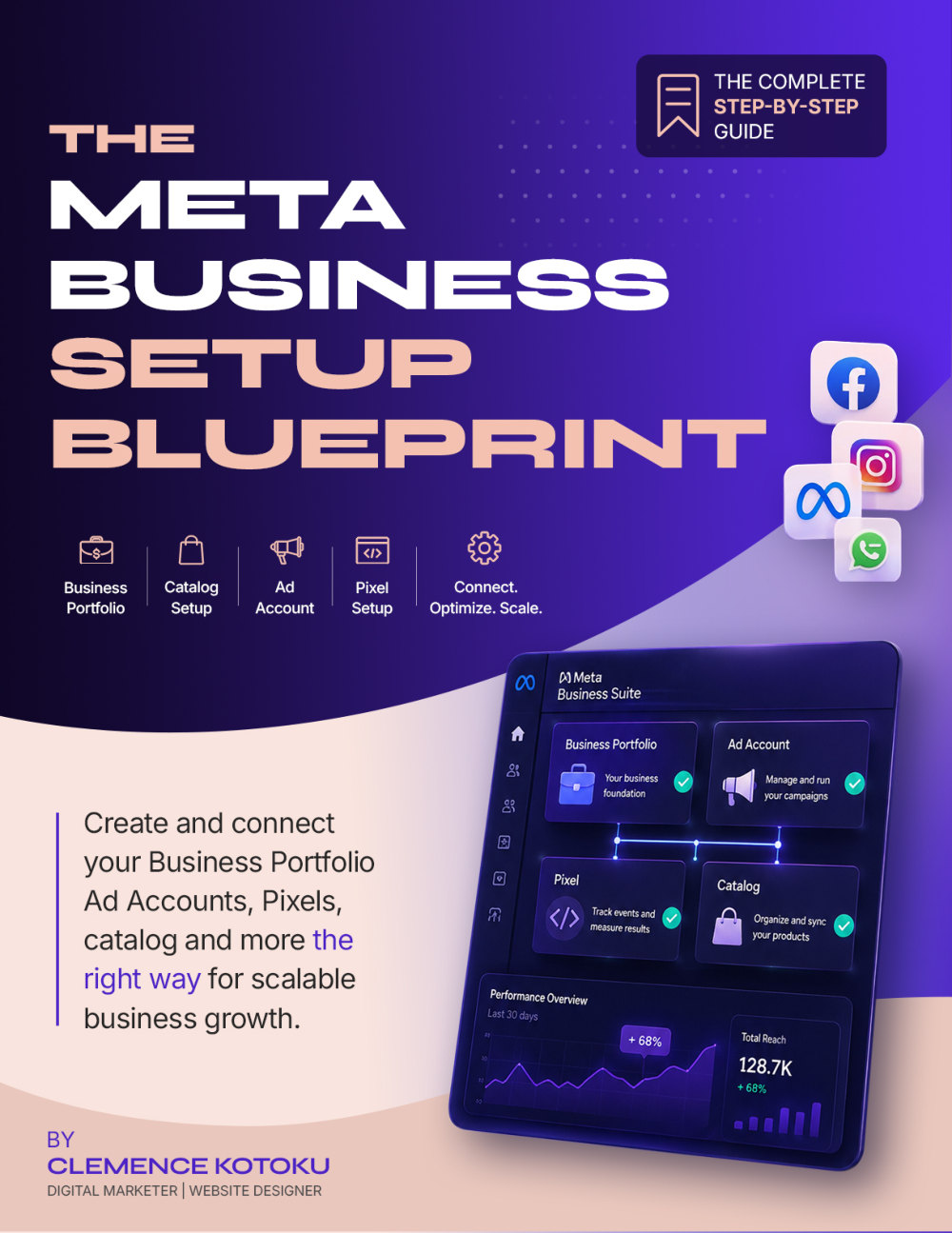
Your Business Portfolio, Page, Instagram, ad account, Pixel, Conversions API, catalog and WhatsApp, set up correctly before you spend on ads.
GH₵199
GH₵399
You save GH₵200
13 modules with screenshots and 11 video walkthroughs. Instant PDF download.
Why this guide
Most setups break after the money is spent.
The Business Portfolio is the foundation of everything you do on Facebook and Instagram as a business. Get it wrong, and you spend months fighting fires that never needed to start.
01
The Pixel stops tracking.
Modules 8 and 9 install the Pixel and the Conversions API on WordPress, Shopify or Wix, test that they fire, and stop events being counted twice.
02
The domain won’t verify.
Module 5 covers the DNS, meta tag and file upload methods, and what to do when verification won’t confirm.
03
The ad account gets restricted.
Module 13 explains the six reasons accounts get restricted, and what to do instead, before you create your first ad.
Open the guide on one screen and Meta Business Suite on the other. By the end, everything is built, connected and checked.
By the end
A complete setup you can run ads on for years.
Follow the modules in order, tick the boxes as you go, and this is what you’ll have built.
A live Business Portfolio with your name and logo
Your Facebook Page added and connected
Your Instagram business account linked
Your domain verified
A working ad account with a payment method
Team members with the right level of access
A Meta Pixel installed and firing
The Conversions API backing up your Pixel
A product catalog, if you sell products
WhatsApp Business linked for click-to-chat ads
What’s inside
Thirteen modules in four parts.
Each module builds on the one before, with screenshots at every step and troubleshooting for the errors Meta shows most.
Part 1
Foundations
What the Business Portfolio is and what to gather first, creating it (with two other ways when the main one fails), adding or claiming your Facebook Page, and connecting Instagram.
Modules 1–4
Part 2
Technical setup
Domain verification, the ad account (including the currency you can’t change later), users and permissions, the Meta Pixel, and the Conversions API.
Modules 5–9
Part 3
Commerce and growth
A product catalog by hand, by feed or synced from your store, WhatsApp Business for click-to-chat ads, and your final checklist.
Modules 10–12
Part 4
Staying safe
How to keep your ad account safe: the six reasons accounts get restricted, and the habits that protect yours.
Module 13
Extra
Glossary of Meta terms
Every term the guide uses, in plain English.
Module 13
The six reasons ad accounts get restricted.
Meta’s review is mostly automated: it reacts first and asks questions later. Most restrictions happen because an ad tripped a rule nobody knew existed.
Unrealistic claims
Extreme results in health, weight loss or income get rejected even when they’re true. Keep the ad text measured and let the visuals carry the result.
Unacceptable practices
Celebrity images, fake news-style ads and hidden conditions look like scams. If you’re flagged and clean, request a review, and never open a second account while you wait.
Health and wellness
Side-by-side before and after images get rejected. A carousel or a video tells the same story and passes.
Discriminatory wording
“Are you pregnant?” gets flagged. “Pregnant women are sleeping through the night again” passes. Turn the question into a statement.
Special ad categories
Credit, employment, housing, politics and gambling must be declared before launch. Over-declaring costs a little targeting; under-declaring can cost the account.
Broken landing pages
Meta checks the page your ad links to. Test it on a phone first: it loads fast, every button works, and the headline matches the ad.
Look inside
Real pages from the guide.
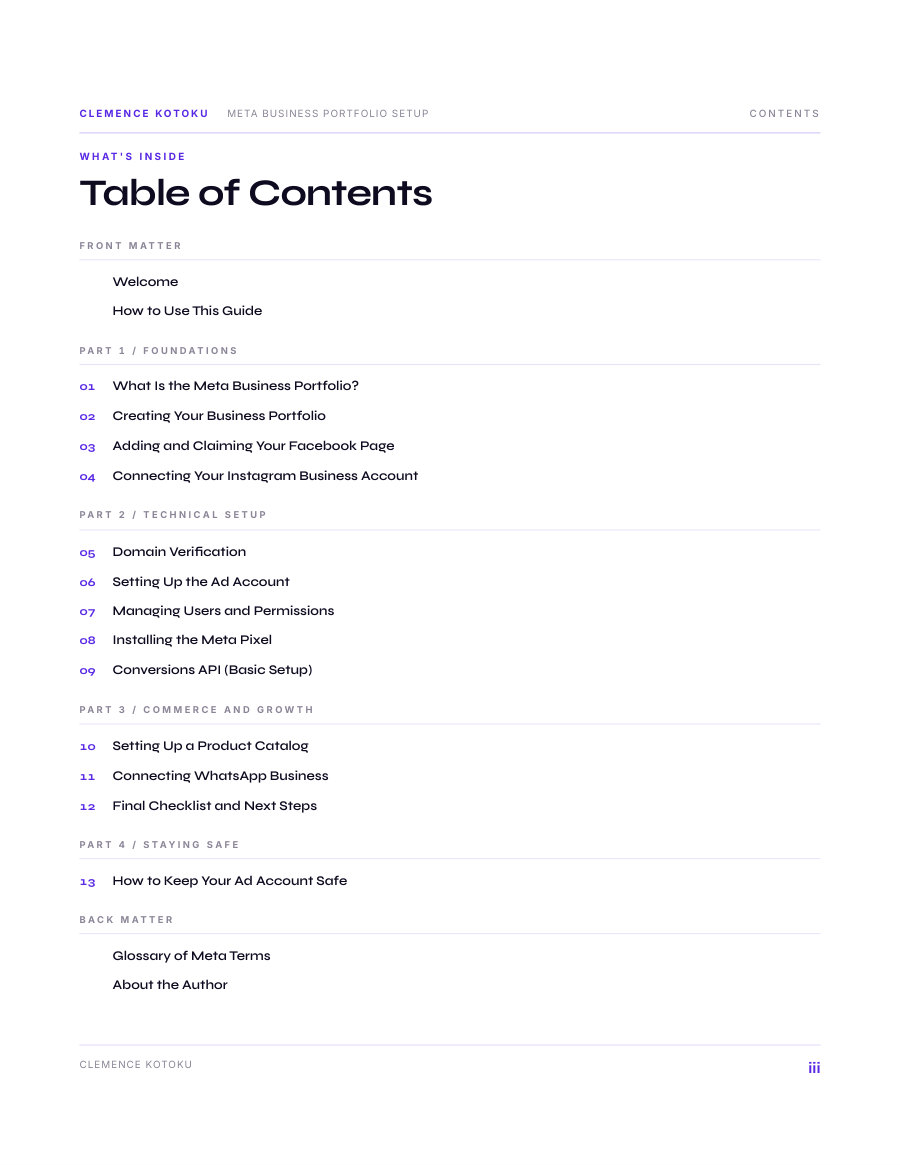
Contents
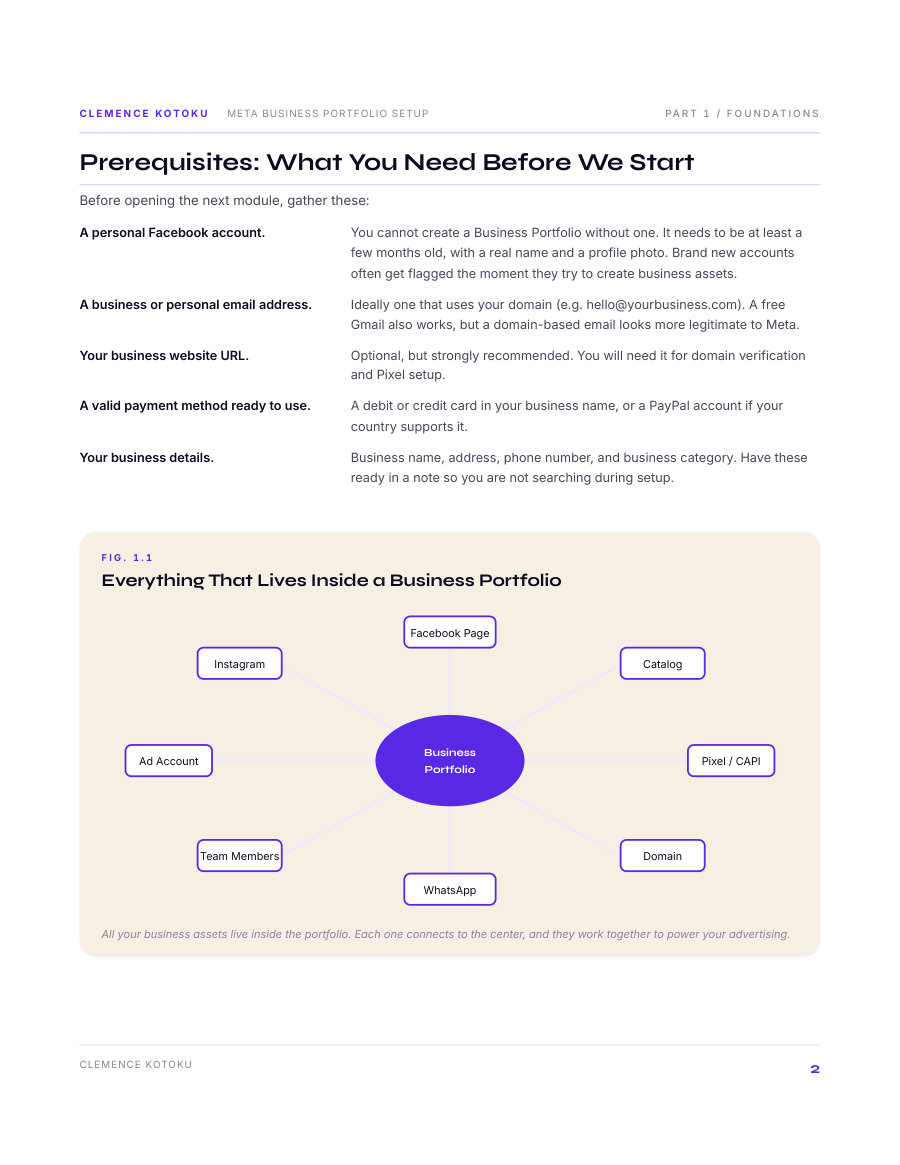
Module 1: what lives in a portfolio
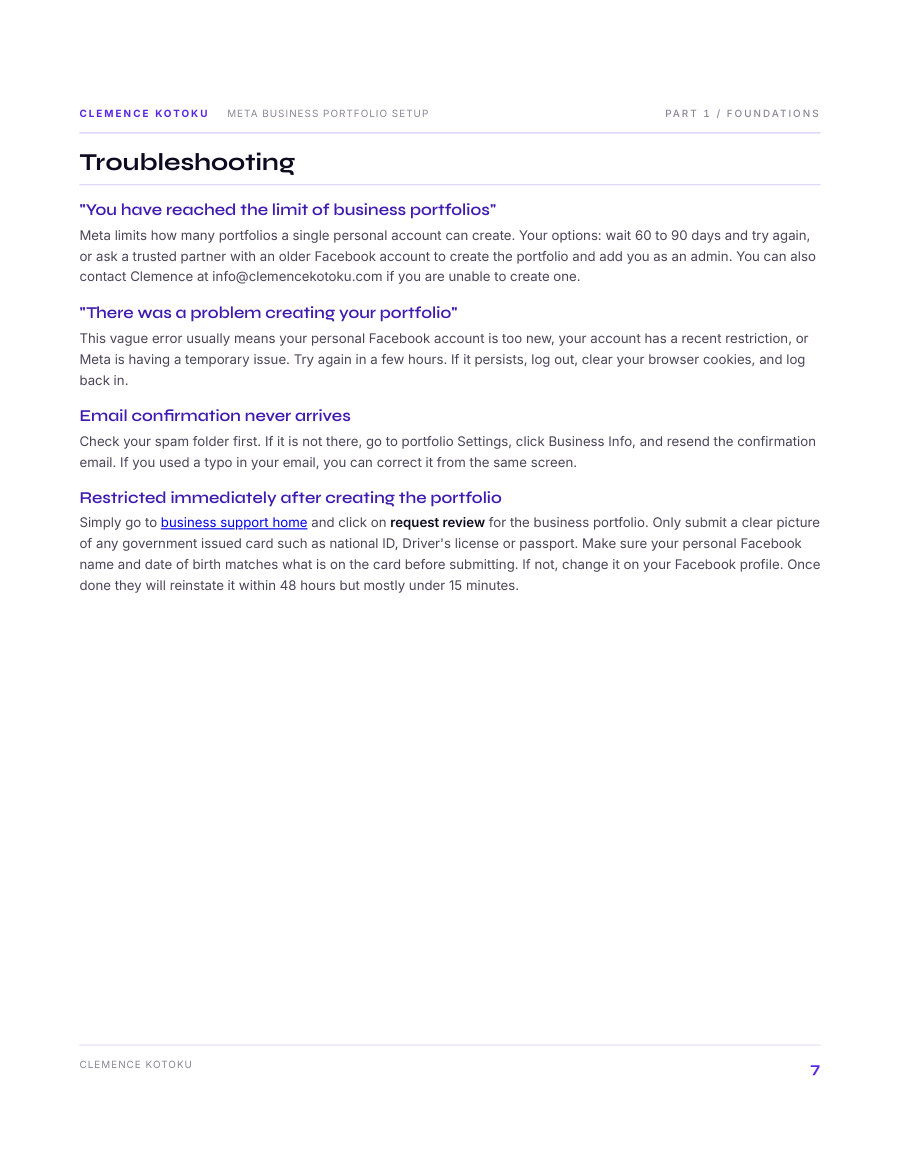
Module 2: troubleshooting
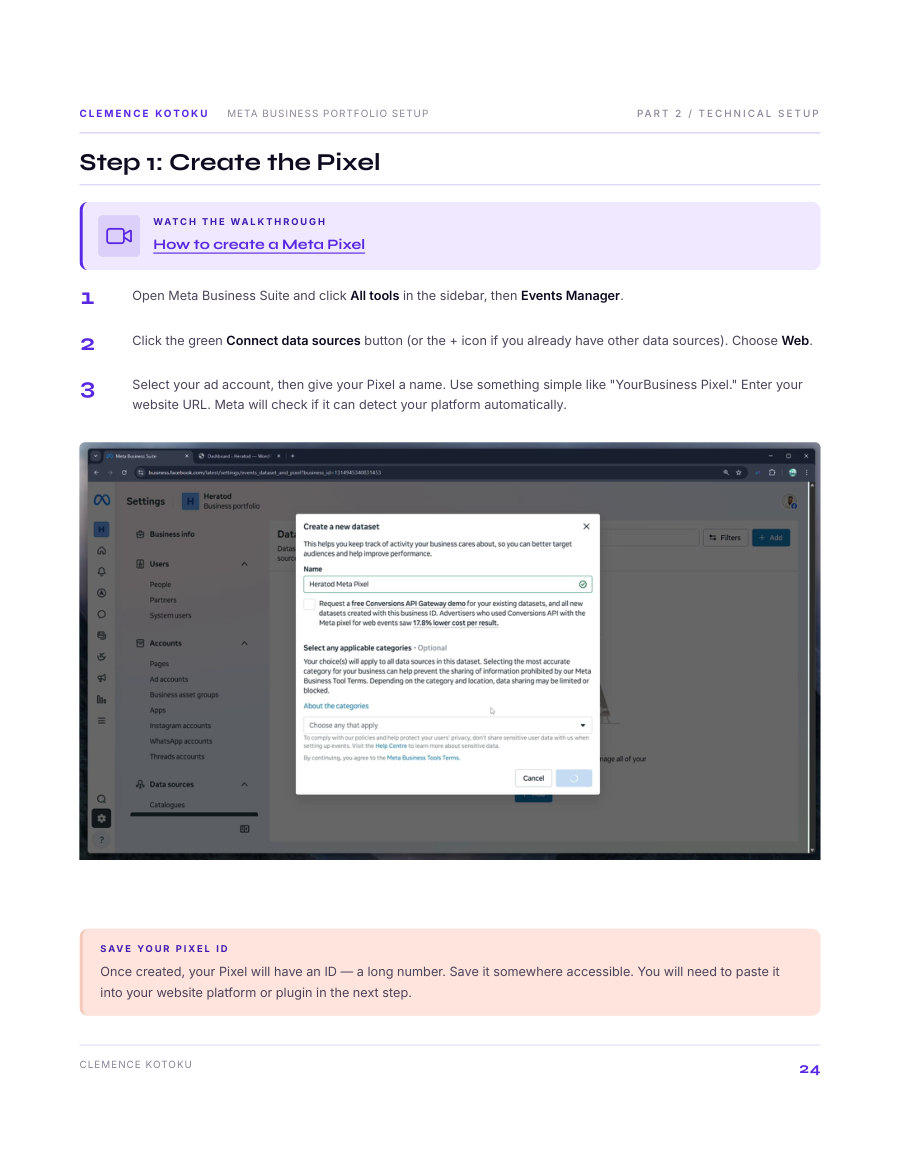
Module 8: creating the Pixel
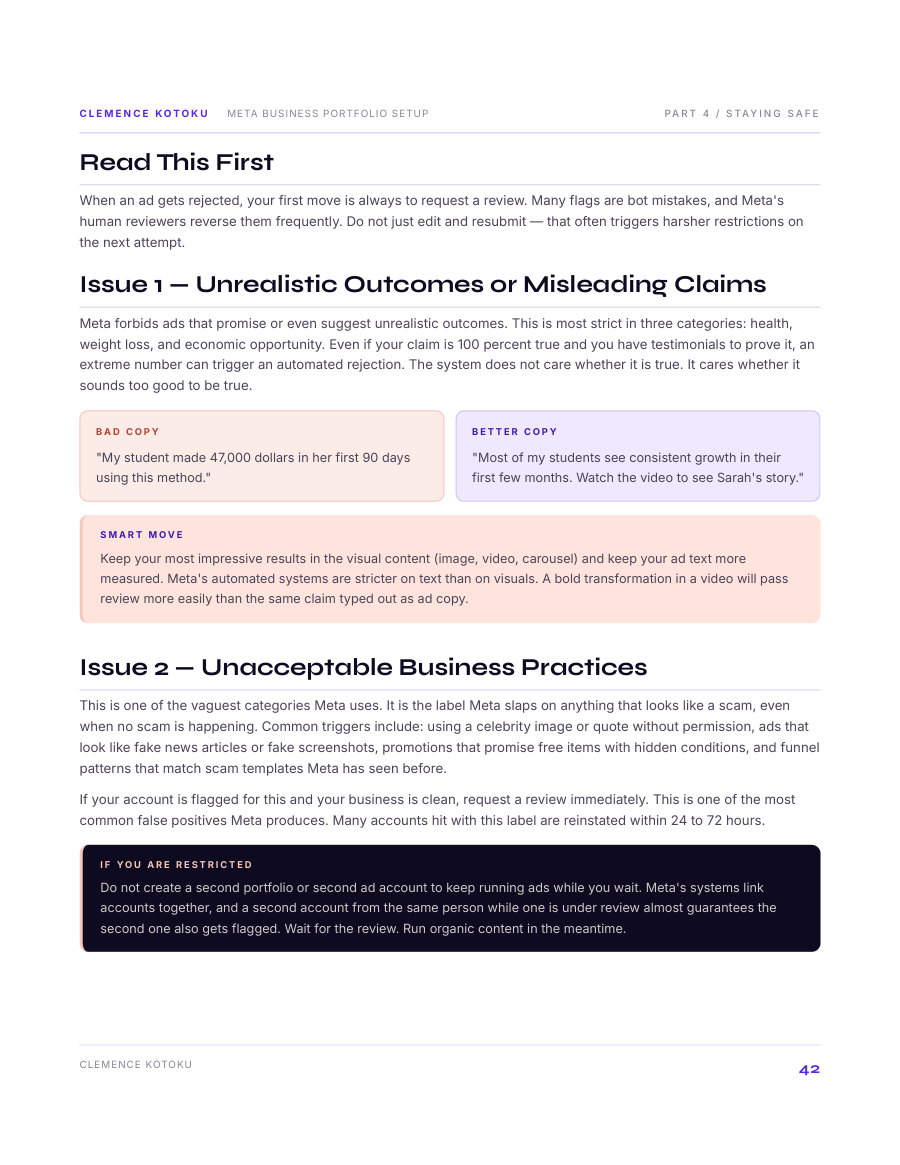
Module 13: staying safe
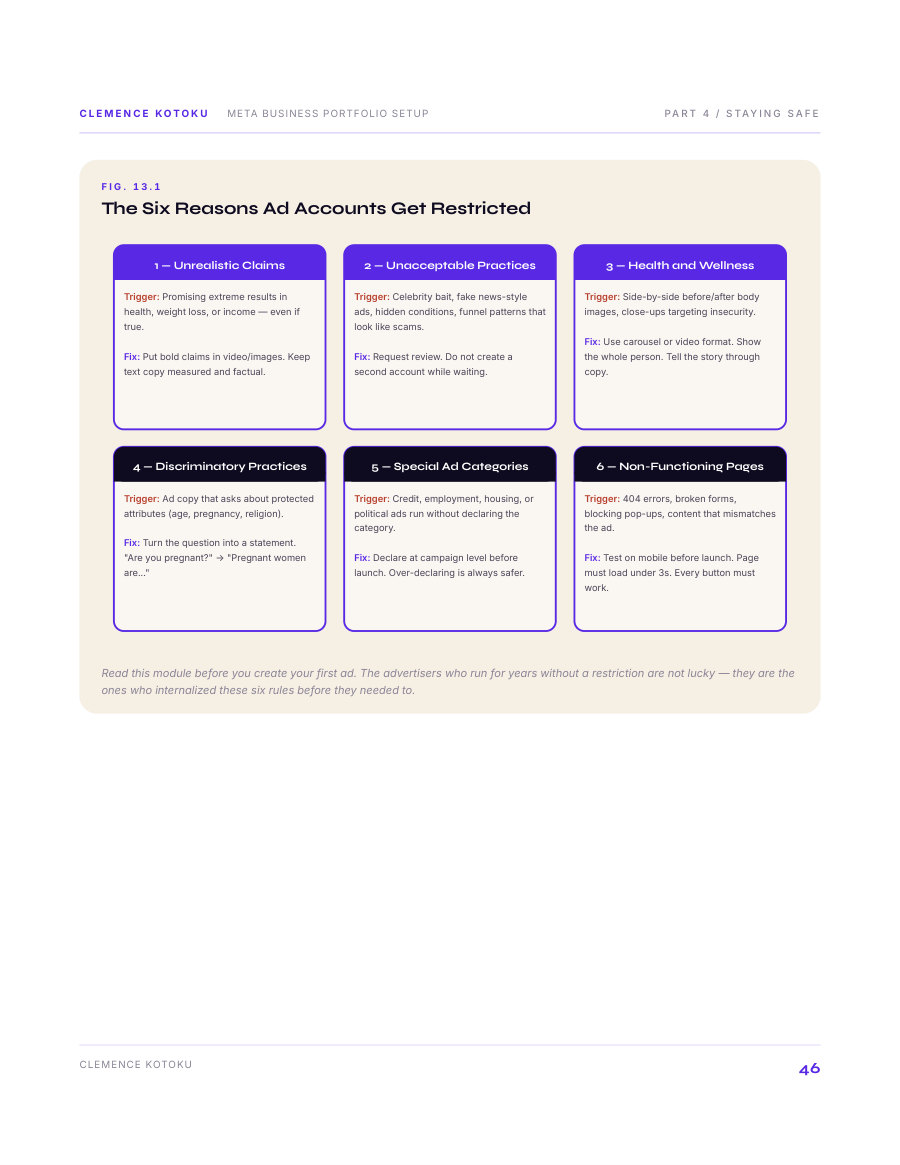
Module 13: the six reasons

About the author
Clemence Kotoku
I’m a digital marketer and website developer, and I’ve spent years setting up Meta Business Portfolios and running ads for business owners across industries, from local service businesses to ecommerce brands.
I kept seeing the same setup mistakes cost people money, accounts and confidence, simply because nobody had shown them how Meta works under the hood. So I wrote the process down, step by step.
This is the guide I wish someone had given me when I started.
Fiverr
Top Rated
Reviews
862
Average
4.9
Everything you get
The Meta Business Portfolio Guide
The PDF guide: 13 modules in four parts, with screenshots throughout
11 video walkthroughs, linked from the modules where they help
Troubleshooting for the errors beginners hit most
Pixel and Conversions API setup for WordPress, Shopify and Wix
The module on keeping your ad account safe
GH₵199
GH₵399
You save GH₵200
Secure checkout. Instant download.
Questions
Before you buy.
No. The guide is written for complete beginners. If you can use Gmail and edit a Word document, you can follow it. Work on a computer rather than your phone: the full portfolio settings only show properly on a desktop.