
←
All Articles
Social Media

Avoid Apple’s Service Fee When Boosting Instagram Posts on iPhone
If you’re boosting Instagram posts directly from your iPhone, here’s some important news: Apple now charges a service fee when you boost posts using the Instagram app. While this isn’t entirely new, many people are unaware of it. If you haven’t encountered this yet, chances are you will soon. Here’s what you need to know, why it’s a problem, and how to avoid paying this extra fee

Clemence Kotoku
3 min read
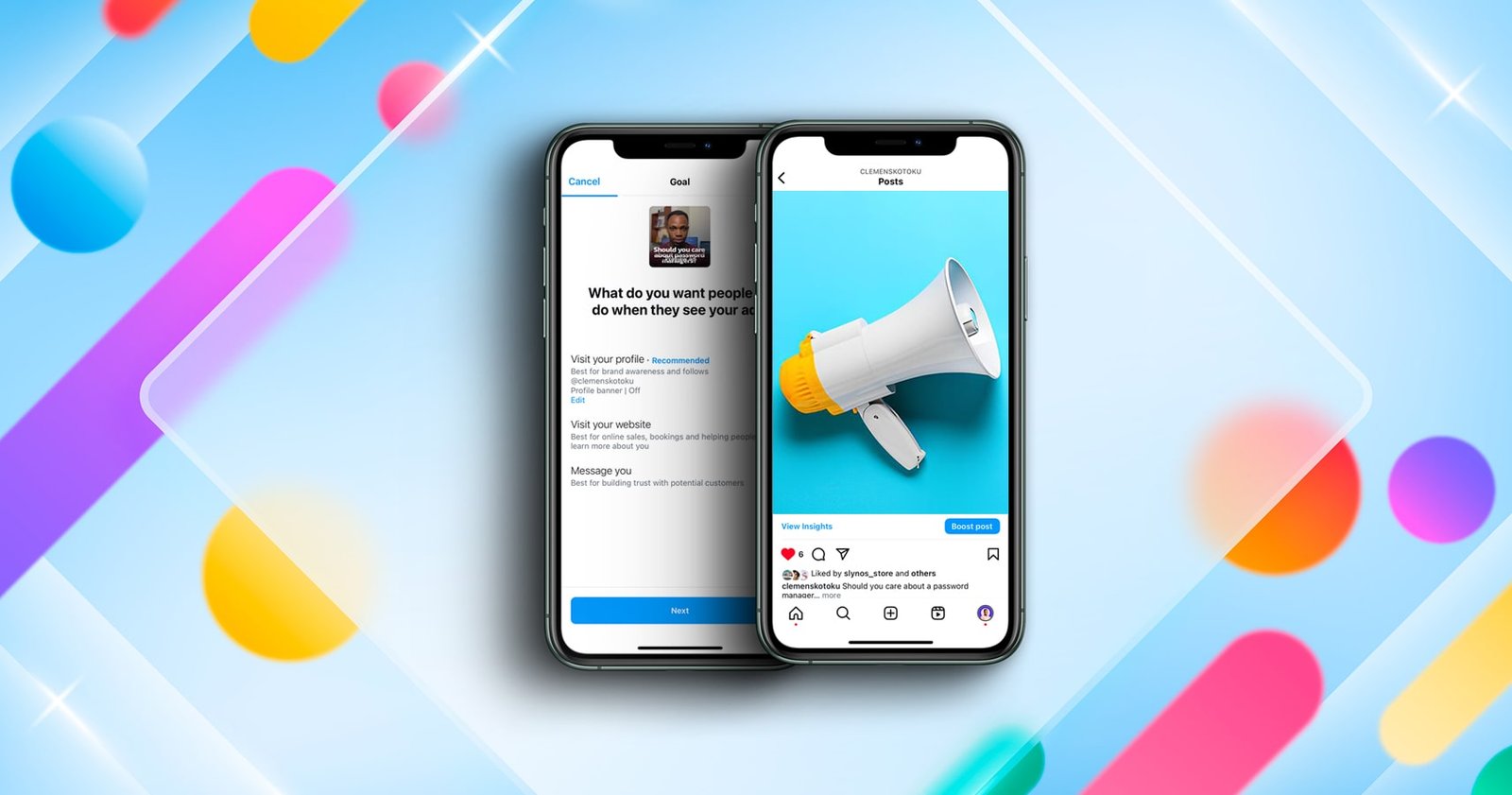
Overview
If you’re boosting Instagram posts directly from your iPhone, here’s some important news: Apple now charges a service fee when you boost posts using the Instagram app. While this isn’t entirely new, many people are unaware of it. If you haven’t encountered this yet, chances are you will soon.
Here’s what you need to know, why it’s a problem, and how to avoid paying this extra fee.
What’s the Issue?
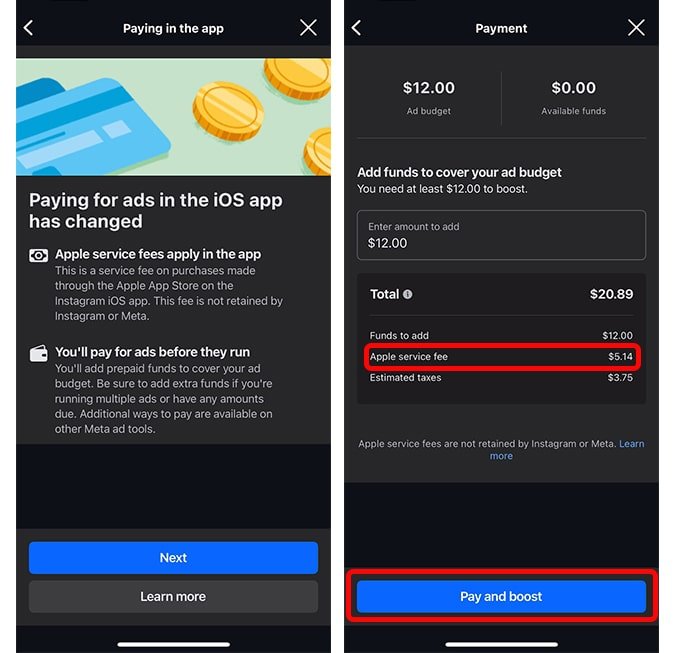
When boosting posts on Instagram, Apple’s service fee is automatically added if you’re using the Instagram app on an iPhone. This creates two challenges:
- Additional Costs: The service fee increases your ad expenses unnecessarily.
- Manual Payments Requirement: You’re often forced to add funds to your ad account before running ads, which can lead to complications.
Types of Ad Accounts
To fully understand the problem, let’s briefly look at the two main types of payment setups for ad accounts:
- Manual Payments:
- You prepay and add funds to your ad account before running ads.
- The available balance determines how long your ads run. Once the balance is depleted, your ads stop.
- Automatic Payments:
- Ads run first, and your payment method (e.g., credit card) is charged afterward.
4 Ways to Avoid Apple’s Service Fee
Thankfully, there are ways to avoid Apple’s service fee when boosting Instagram posts. Here are your options:
- Boost via a Web Browser:
- Use a browser (like Safari or Chrome) to visit Instagram.com on your iPhone or computer.
- Boost your posts directly from there instead of using the Instagram app.


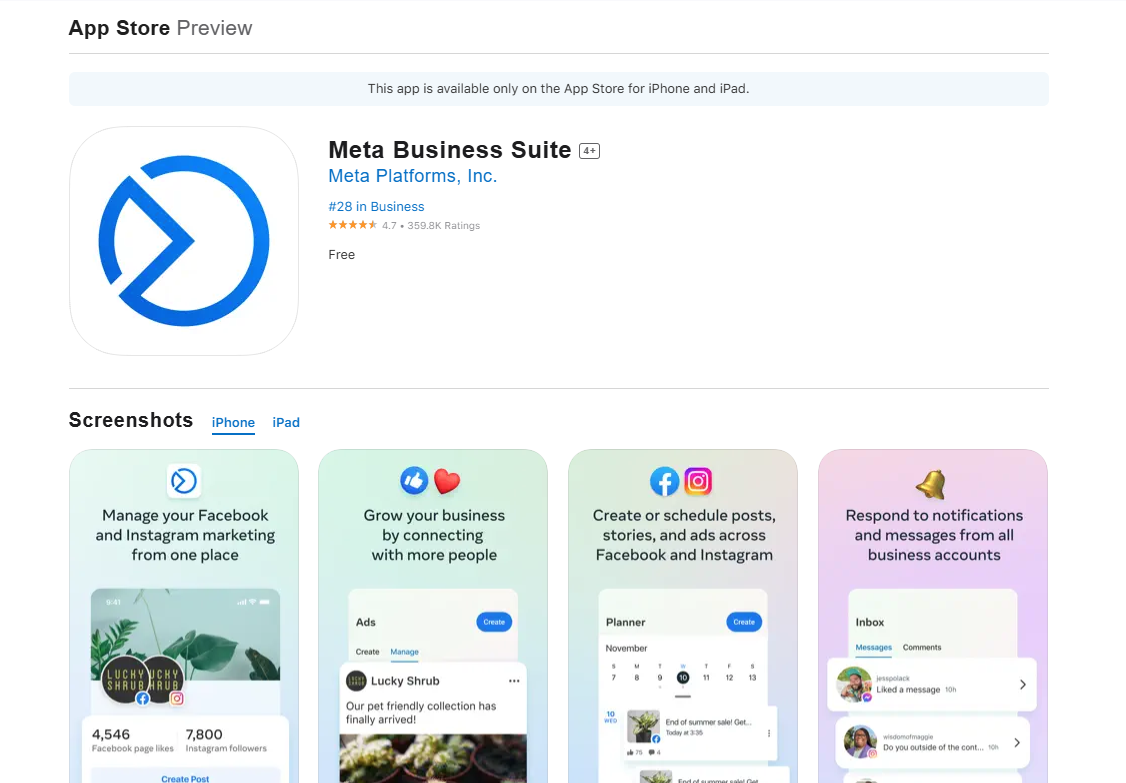
- Use the Meta Business Suite App:
- Download the Meta Business Suite app on your phone.
- Log in with your Instagram or Facebook account (if your Instagram is linked to a Facebook page).
- Boost posts through the app, bypassing Apple’s fees.
- Pre-Add Funds via Browser, Then Boost in App:
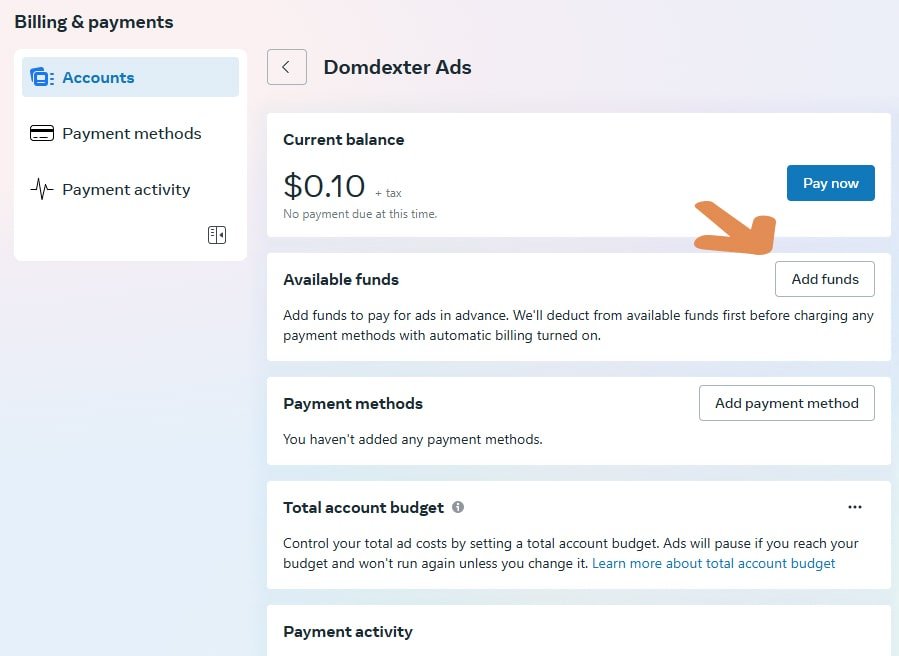
- Add funds to your ad account using Instagram.com in a browser.
- Once the funds are added, switch back to the Instagram app to boost your post.
- Since the funds are already in the account, no service fee will be charged.
- Boost Using an Android Device:
- If you have access to an Android phone, log in to your Instagram account there and boost your post.
- Android devices do not incur the Apple service fee.
Why This Matters
Apple’s service fee might seem small, but over time, it can significantly impact your ad budget—especially for frequent advertisers. By using any of the methods above, you can avoid unnecessary charges and maintain better control over your ad spend.
Final Thoughts
Being strategic about how you boost your Instagram posts can save you money and prevent potential complications with your ad account. Choose the method that works best for you, and share this with anyone who might find it helpful.
Take charge of your advertising today and keep those extra fees out of your budget!
Written by
Clemence Kotoku
Web designer, developer and digital marketer. I build websites, digital products and systems that help businesses grow, and I write about what I learn along the way.
Working on something?
Let’s make your website do more.
Tell me what you’re building or improving, and I’ll come back with the right way forward.
Share this article
Keep Reading
More from my desk.

Websites • Marketing
Your website is useless. Let me explain why.
A website doesn’t make sales simply because it exists. Here’s what actually needs to happen before your website can contribute to growth.
Web Design • Conversion
What makes a high-converting website?
Good design isn’t just about making a website look impressive. It’s about helping the right person understand what you offer and what they should do next.

AI • Productivity
5 AI tools I’m actually using in my workflow
There are thousands of AI tools available. These are some of the ones that have actually found a place in my day-to-day workflow.
Let’s Connect
Have something you’re trying to build?
Whether it’s a website, a campaign or a product idea, I’d love to hear about it. Start with the problem. We’ll figure out the rest together.